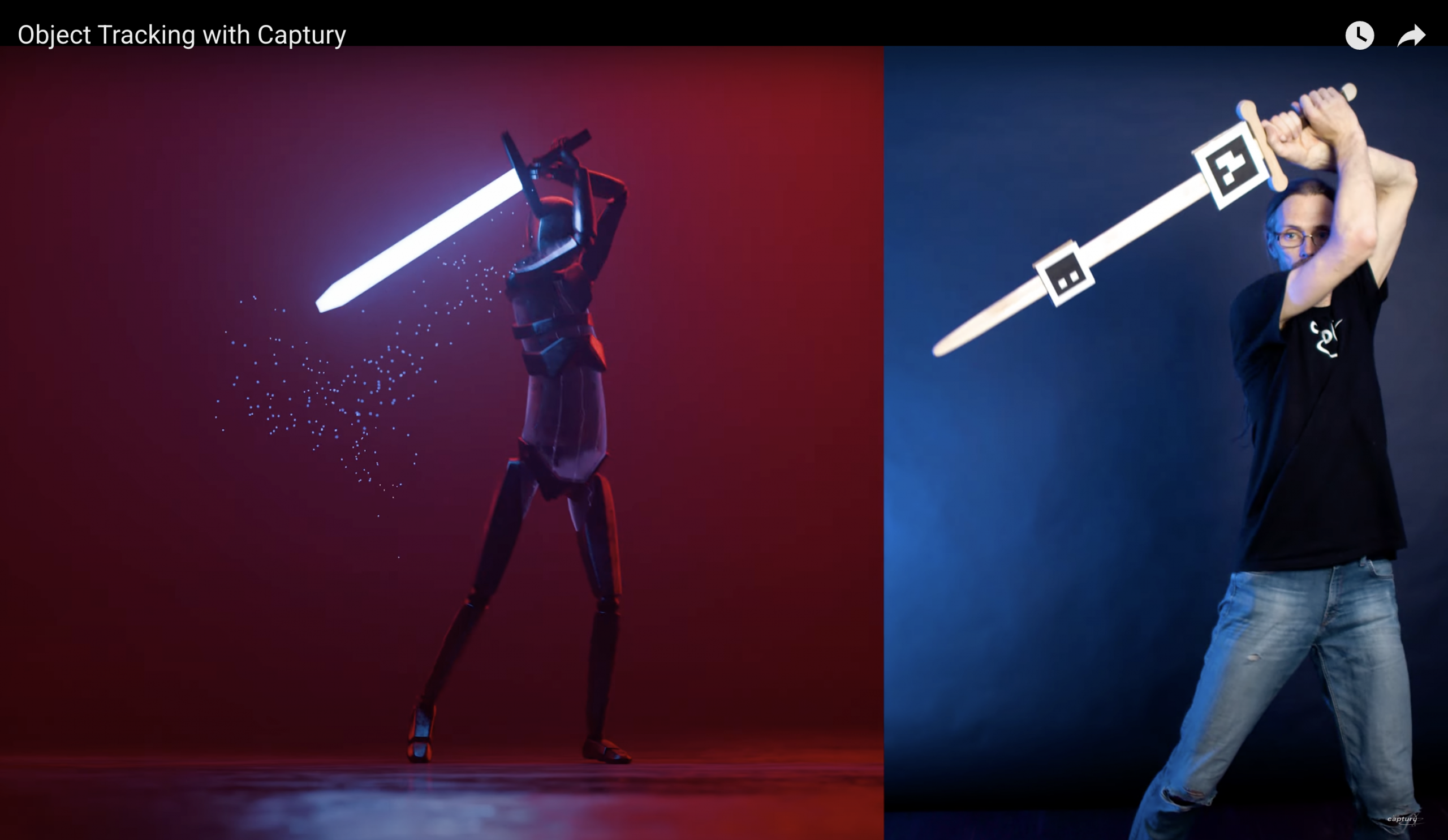
A quick guide integrating Captury motion capture data with MetaHuman characters in Unreal Engine 5.5.
✅ Requirements
- Captury Live or recorded data (.fbx, .bvh)
- MetaHuman character set up in UE 5.5
- Unreal Engine 5.6 with MetaHuman Plugin enabled
- Control Rig / IK Retargeter set up for animation retargeting
🔧 Workflow Overview
1. Import Captury Mocap Data
- Import the FBX or BVH animation file from Captury.
- Make sure the skeleton is recognized properly in UE.
- If it’s custom, retargeting setup may be needed.
2. Retarget the Animation to MetaHuman
- Use IK Retargeter in UE 5.5:
- Set up a source IK Rig for the Captury mocap skeleton.
- Set up a target IK Rig for the MetaHuman skeleton (usually
metahuman_base_skel). - Align bones correctly (especially hips, spine, head).
- Use Retarget Pose editing to match T-poses if needed.
- Generate a retargeted animation asset for the MetaHuman.
3. Apply the Animation
- Open the MetaHuman blueprint or animation asset.
- Assign the retargeted animation.
- You can preview it directly in the Preview Scene or Level Sequencer.
🧠 Tips
- Captury sometimes outputs joint orientations that differ from Unreal’s – check for bone roll/axis mismatches.
- For facial animation, Captury supports facial tracking, but UE requires ARKit blendshapes or Live Link Face input. Facial retargeting may need a custom bridge.
- If you want real-time streaming, Captury supports Live Link – you can set this up in UE to stream directly to the MetaHuman.
📦 Optional Tools / Plugins
- Live Link Face / Live Link Plugin
- Control Rig (if you want to fine-tune or procedurally adjust animation)
- MotionBuilder (for pre-cleanup if needed)