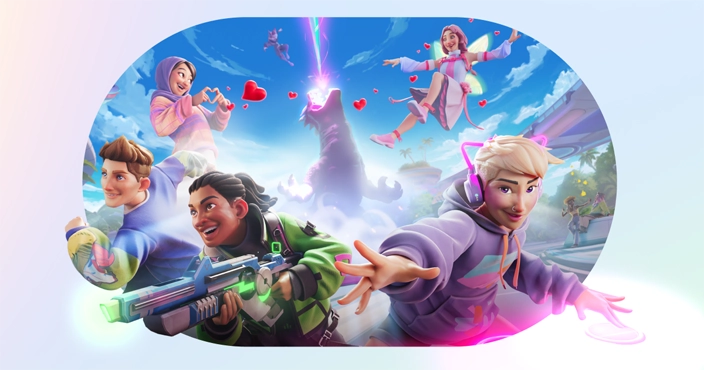
Meta’s Horizon Worlds Desktop Editor is a powerful tool that allows creators to build and modify virtual worlds using a traditional keyboard and mouse setup, eliminating the need for a VR headset. This Windows-based editor offers a more robust and efficient environment for world creation compared to the previous in-VR.
🔧 Key Features
- Asset Importing: Import 3D models, textures, and audio files to create rich, immersive environments.
- TypeScript Scripting: Utilize TypeScript for advanced interactions and logic, providing greater control over world behavior.
- UI Creation: Design user interfaces compatible with VR, web, and mobile platforms.
- NPC Integration: Create and animate non-player characters to enhance interactivity.
- Generative AI Tools: In select regions, leverage AI to generate sound effects, ambient audio, and assist with scripting.
🖥️ Getting Started
- Download the Editor: Obtain the Desktop Editor from the Meta Horizon Developers website.
- Installation: Run the installer and follow the on-screen instructions to complete the setup.
- Launch the Editor: After installation, open the editor to begin creating your world.
🌐 Access and Availability
The Desktop Editor is available in early access to users aged 13 and above in the 23 countries where Horizon Worlds is supported. In the United States, additional generative AI features are accessible. uploadvr.com
YouTube – visual walkthrough: